MetaTrader 5 Professional Multi-Asset - Global Trading Platform

Supports Forex, Gold, Indices, Crude Oil, Stocks, Futures, Commodities, Cryptocurrencies - One-Stop Professional Trading for Global Multi-Assets

Product Showcase of MetaTrader 4/5 Cross-Terminal Trading Platform

MetaTrader 4/5 cross-terminal trading platform supports synchronization across PC, tablet and mobile, providing real-time quotes, professional K-line analysis and one-click trading functions, allowing you to control the global market anytime, anywhere.

Get Started
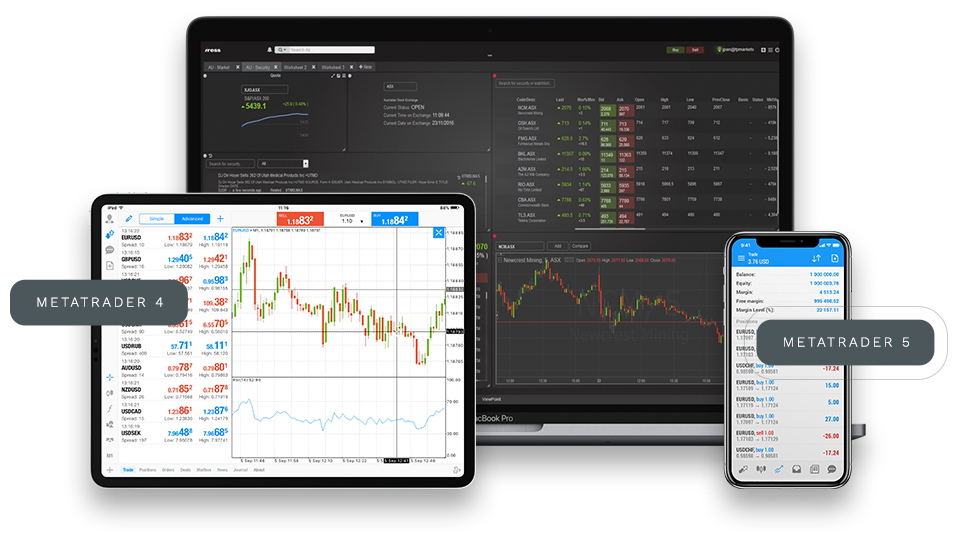

MetaTrader 4/5 Cross-Terminal Trading Platform, Synchronized Across PC, Tablet and Mobile
Background Shape

Real-Time Scrolling Updates of Global Market Prices and Changes

  • EUR/USD 1.0832 (+0.07%)
  • GOLD 2147.73 (+0.78%)
  • AAPL 174.65 (-1.34%)
  • NVDIA 917.05 (+3.10%)
  • EUR/USD 1.0832 (+0.07%)
  • GBP/USD 1.2742 (-0.12%)
  • USD/JPY 155.32 (+0.25%)
  • BTC/USD 67432.50 (-2.15%)

MetaTrader 5 - The Best App for Trading Forex, Stocks and Futures

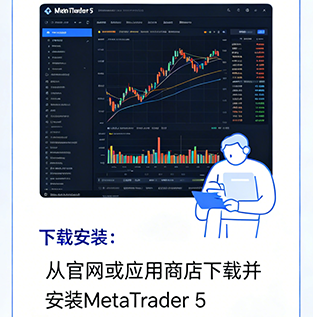
Download Step 01
MetaTrader 5 Download & Install Guide - Step 1
Install Step 02
MetaTrader 5 Account Registration Guide - Step 2
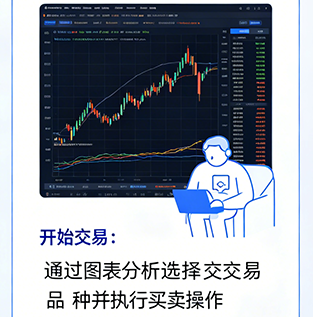
Use Step 03
MetaTrader 5 Start Trading Guide - Step 3
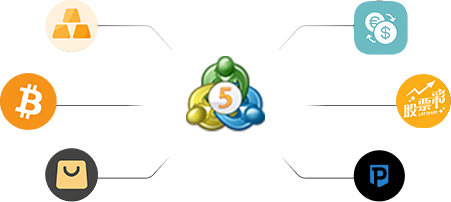
MetaTrader 5 Full Asset Coverage Diagram

All Asset Classes, One Platform

MetaTrader 5 supports trading of Forex, Commodities, Cryptocurrencies, Stocks, Indices and more. One platform fulfills all your investment needs.

MetaTrader 5 Global User Coverage Diagram

Global Coverage, Multi-Region Support

MetaTrader 5 is widely used by users in many countries and regions worldwide. No matter where you are, you can enjoy stable and secure trading services.

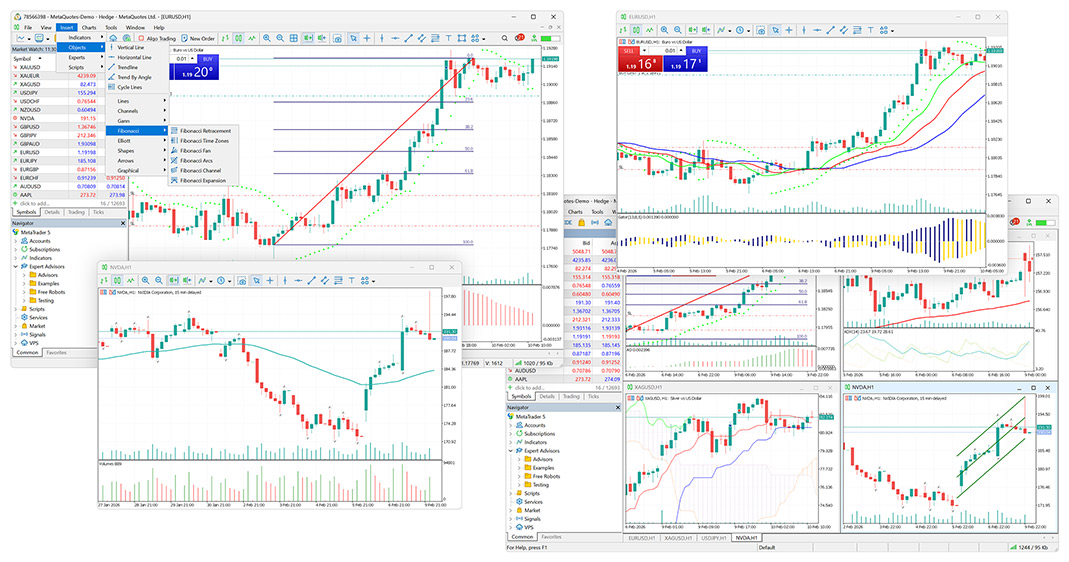
MetaTrader 5 Professional Technical Analysis Chart Interface

Professional Technical Analysis Tools

MetaTrader 5 features rich technical indicators, drawing tools and multi-timeframe charts, supporting Fibonacci, trendlines, channels and more to help you accurately grasp market trends.

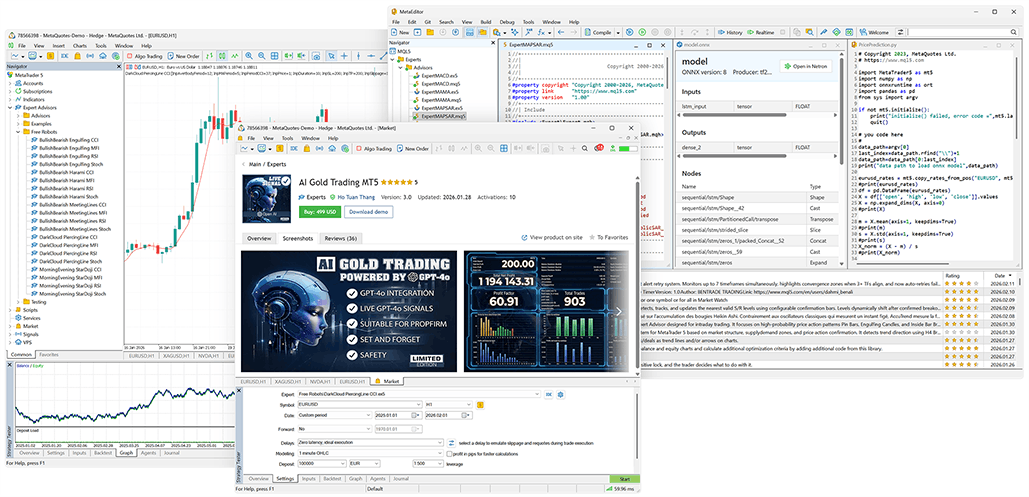
MetaTrader 5 Algorithmic Trading & EA Development Interface

Automated Trading, Hands-Free

MT5 provides a complete algorithmic trading ecosystem, from strategy development, historical backtesting to one-click deployment, allowing your strategies to run automatically without emotion or time limits.

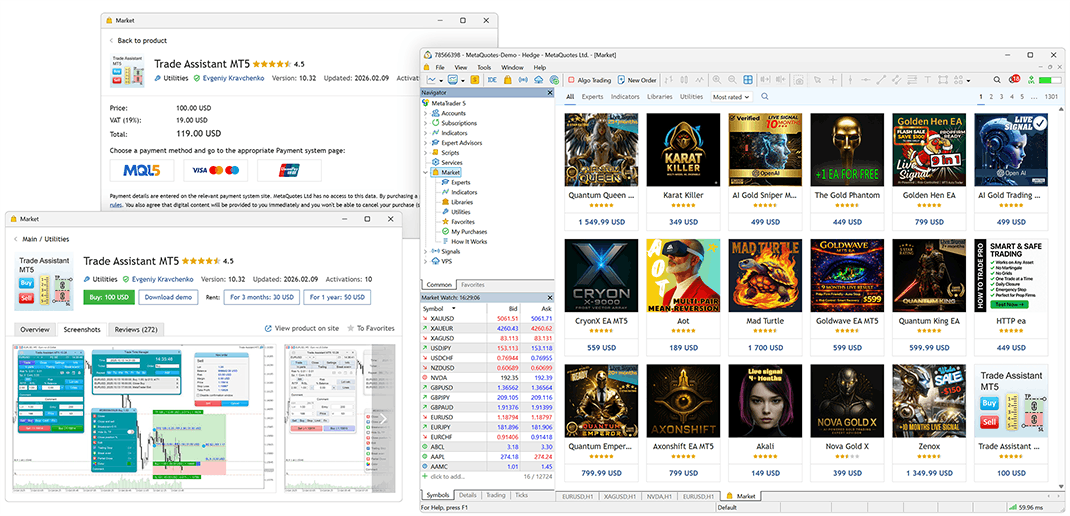
MetaTrader 5 Built-in MQL5 Market Interface

Expandable Trading Ecosystem

No coding skills required. Find proven trading strategies and tools in the MT5 Market, suitable for both new and professional traders.

Everything in One Client - MetaTrader 5

MetaTrader 5 - User Reviews

  • User Avatar
    Lao K Full-Time Forex Trader

    Switched from MT4 to MT5 nearly two years ago. Order execution speed and stability are significantly better, no freezes or crashes during volatile markets. DOM depth orders are extremely useful for short-term trading.

  • User Avatar
    Zen Trader Long-Term Value Trader

    MT5 isn't the fastest but it's the most stable. Complete historical data, easy backtesting, worry-free long-term holdings and money management. Perfect for trend traders.

  • User Avatar
    A Yuan Part-Time Trader (Office Worker)

    I usually monitor markets on mobile. MT5 mobile is stable with smooth charts and timely alerts. Seamless switch to PC after work, never miss trades.

  • User Avatar
    Manager Chen Hedge Fund Risk Manager / Trader

    MT5 supports unified multi-asset management. Forex, stocks, commodities, crypto all in one account. Clear reports, high risk control efficiency.

  • User Avatar
    Newbie Growth Trading Student (Learning)

    Built-in economic calendar, 80+ technical indicators, complete drawing tools. No extra plugins needed, very convenient for learning technical analysis.

  • User Avatar
    Dev Zhou Independent EA Developer

    Strategy tester supports multi-currency / multi-timeframe backtesting + visual optimization. Strategies validate quickly, stable live performance for over a year.

Frequently Asked Questions - MetaTrader 5

  • MT5 is the upgraded version of MT4. It supports more trading instruments, timeframes, deep market quotes, more powerful MQL5 programming, professional backtesting, and is suitable for stocks, futures, forex and precious metals trading.

  • Download the installer from official broker websites. PC version: double-click and install step-by-step. Mobile version: search MT5 in app stores. No bundled software.

  • Usually caused by compatibility, antivirus blocking or corrupted installer. Disable antivirus, reinstall, run as administrator. Use compatibility mode for old systems.

  • Open MT5 and click Login. Enter account, password and select correct server provided by your broker. Ensure stable network. Distinguish between demo and live servers.

  • Open MT5, create new account and select "Demo Account". Fill in information, choose leverage and initial balance. Generate demo account for free practice trading.

  • Check network, switch WiFi/mobile data. Verify server address. May be broker server maintenance, reconnect later.

Start Your Professional Trading Journey with MetaTrader 5

Join MetaTrader 5 global trading platform now. One-stop access to Forex, Gold, Crude Oil, Indices, Stocks and more. Equipped with professional technical analysis, intelligent EA trading and ultra-fast execution. Whether you're a beginner or professional trader, enjoy stable environment, comprehensive data and excellent experience to seize every investment opportunity.

Join Now
MetaTrader 5 Trading Platform Tech Background